Linux Foundation CKAD - Certified Kubernetes Application Developer (CKAD) Program
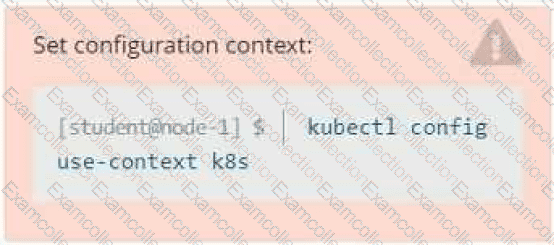
Context
Developers occasionally need to submit pods that run periodically.
Task
Follow the steps below to create a pod that will start at a predetermined time and]which runs to completion only once each time it is started:
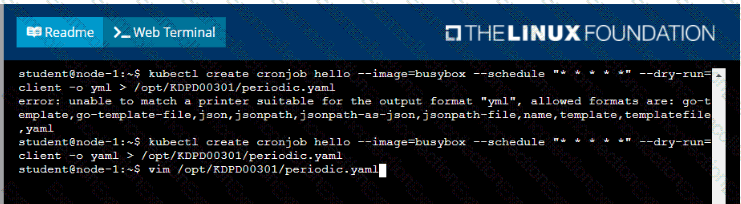
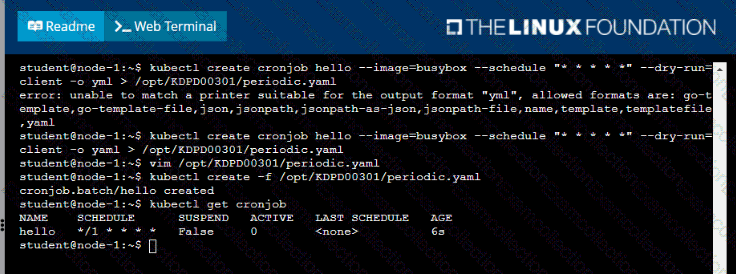
• Create a YAML formatted Kubernetes manifest /opt/KDPD00301/periodic.yaml that runs the following shell command: date in a single busybox container. The command should run every minute and must complete within 22 seconds or be terminated oy Kubernetes. The Cronjob namp and container name should both be hello
• Create the resource in the above manifest and verify that the job executes successfully at least once

Task:
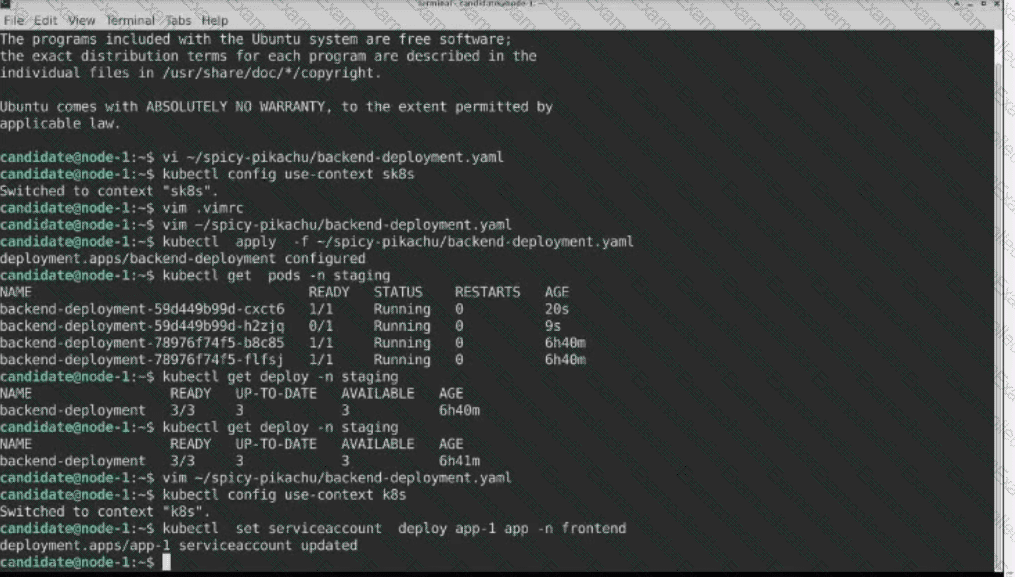
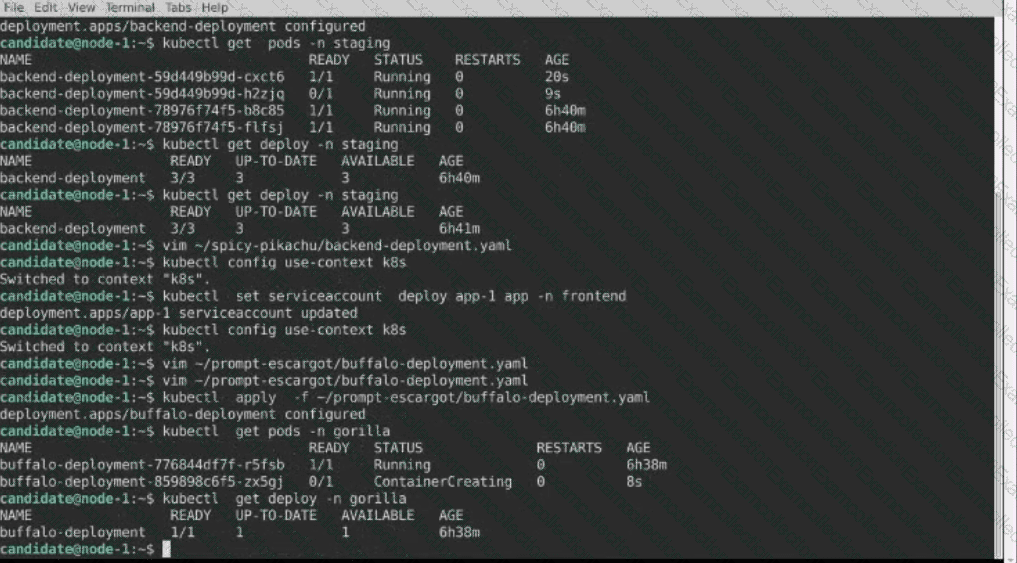
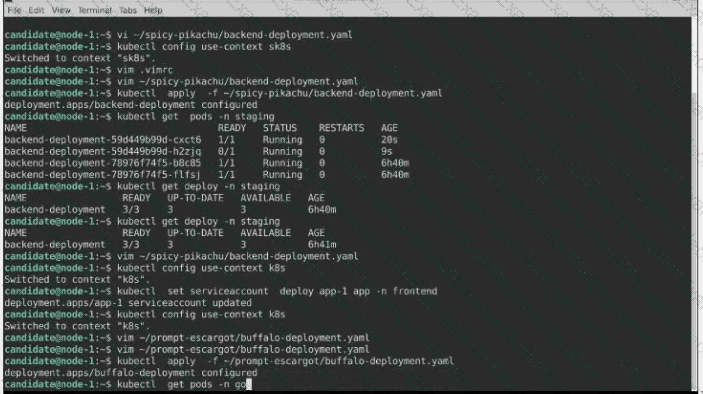
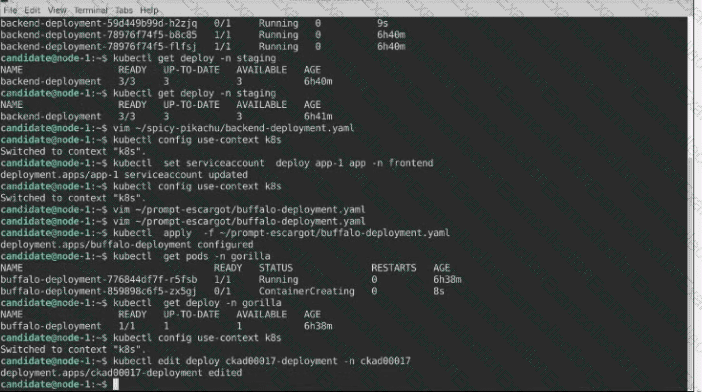
Update the Deployment app-1 in the frontend namespace to use the existing ServiceAccount app.
Context
As a Kubernetes application developer you will often find yourself needing to update a running application.
Task
Please complete the following:
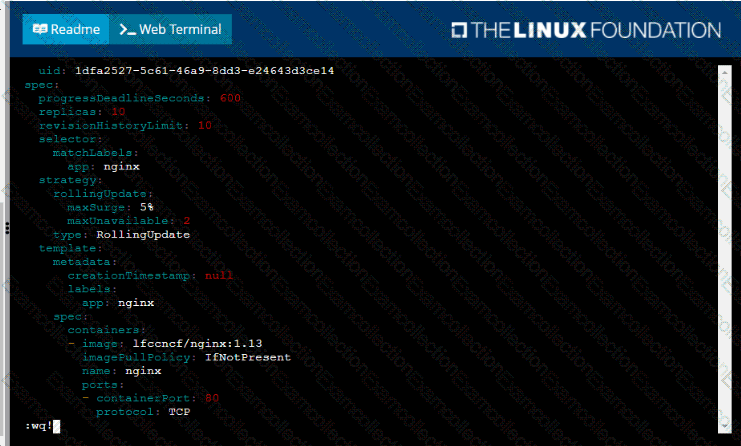
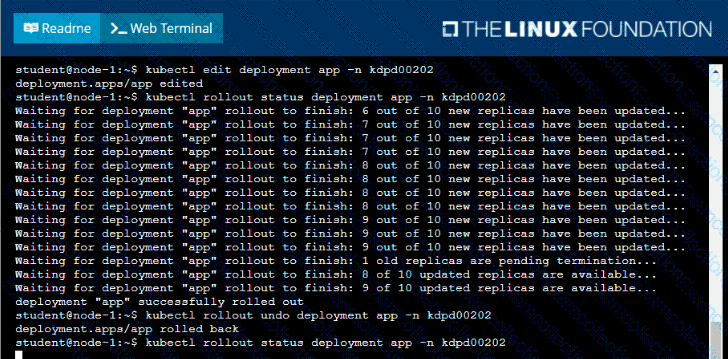
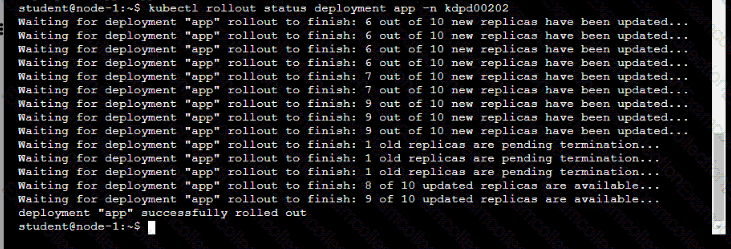
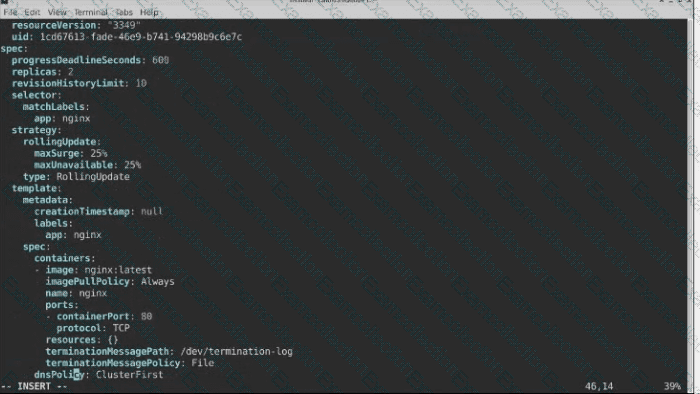
• Update the app deployment in the kdpd00202 namespace with a maxSurge of 5% and a maxUnavailable of 2%
• Perform a rolling update of the web1 deployment, changing the Ifccncf/ngmx image version to 1.13
• Roll back the app deployment to the previous version


Task:
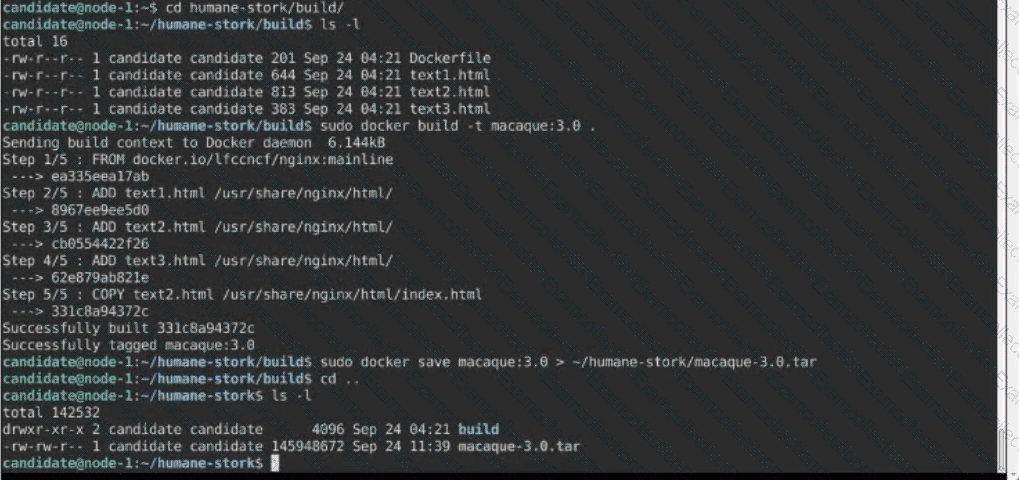
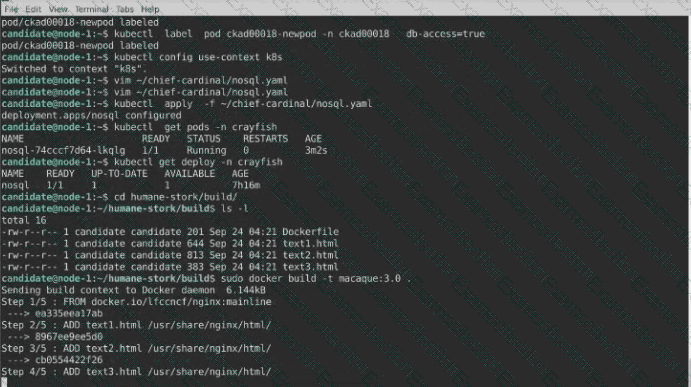
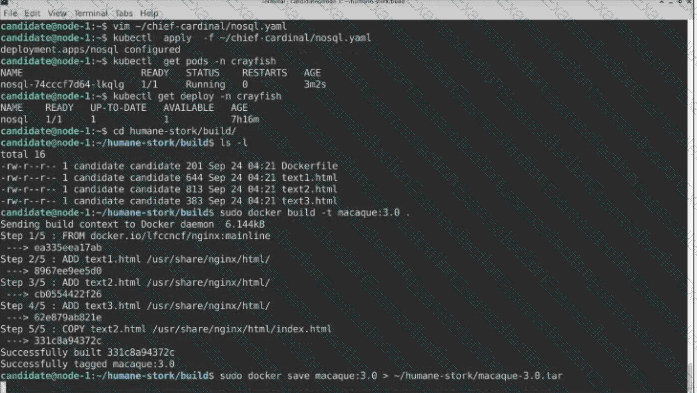
A Dockerfile has been prepared at -/human-stork/build/Dockerfile
1) Using the prepared Dockerfile, build a container image with the name macque and lag 3.0. You may install and use the tool of your choice.
2) Using the tool of your choice export the built container image in OC-format and store it at -/human stork/macque 3.0 tar
Context
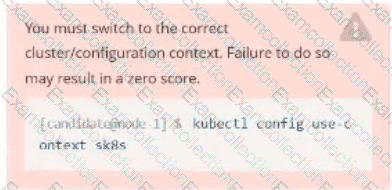
You must connect to the correct host . Failure to do so may result in a zero score.
[candidate@base] $ ssh ckad00043
A Deployment needs specific RBAC permissions.
Task
First, find the RBAC permissions needed by the scraper Deployment running in the
cute-panda namespace .
it kubectl logs may help you to find the permissions it needs.
Next, create a new ServiceAccount named scraper in the namespace cute-panda.
Task:
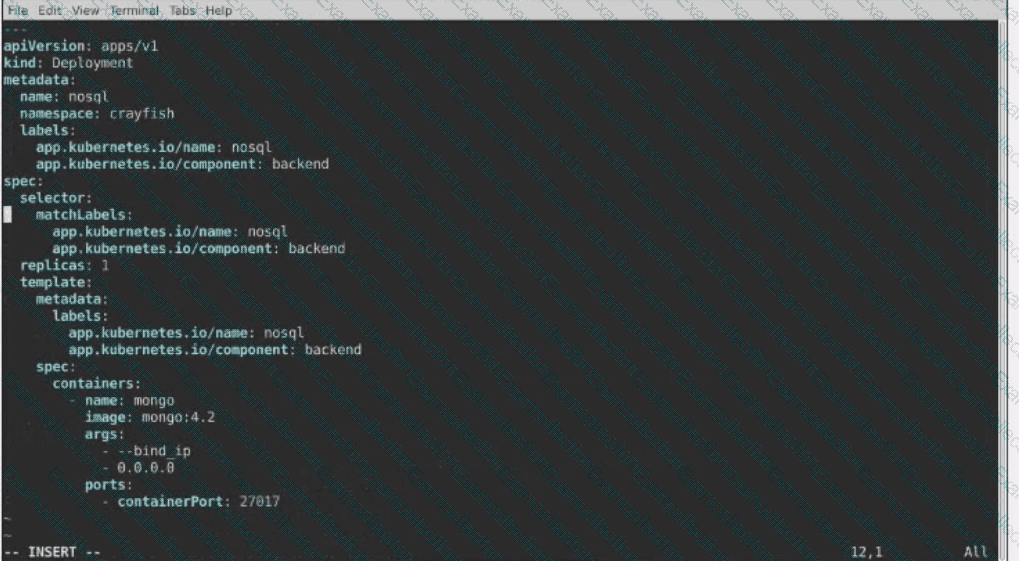
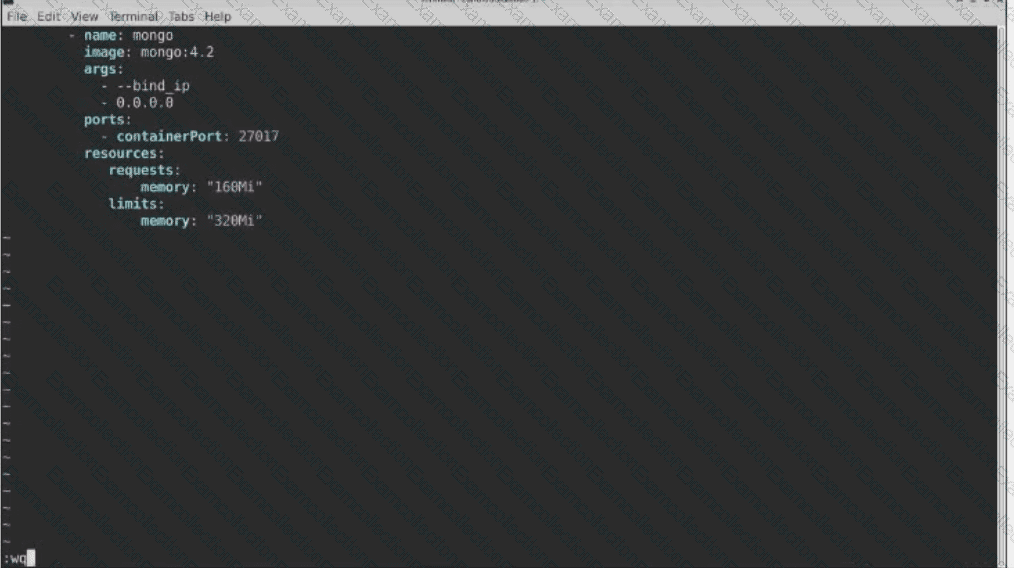
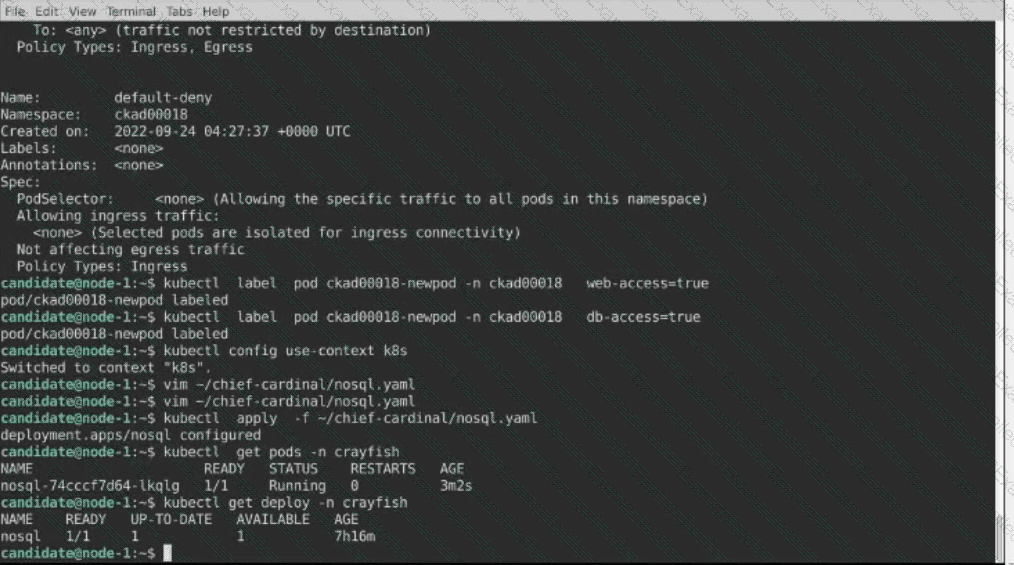
The pod for the Deployment named nosql in the craytisn namespace fails to start because its container runs out of resources.
Update the nosol Deployment so that the Pod:
1) Request 160M of memory for its Container
2) Limits the memory to half the maximum memory constraint set for the crayfah name space.


Context
You are asked to scale an existing application and expose it within your infrastructure.
First, update the Deployment nginx-deployment in the prod
namespace :
. to run 2 replicas of the Pod
. add the following label to the Pod :
role: webFrontEnd
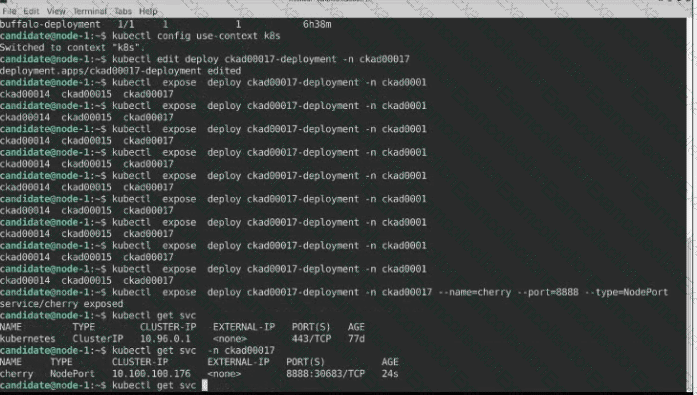
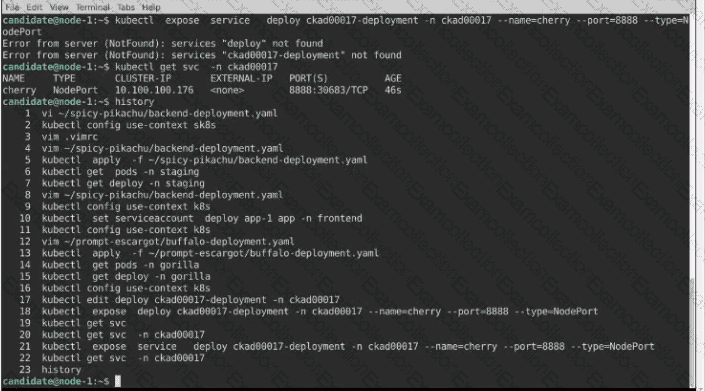
Next, create a NodePort Service named rover in the prod namespace exposing the nginx-deployment Deployment 's Pods
Task:
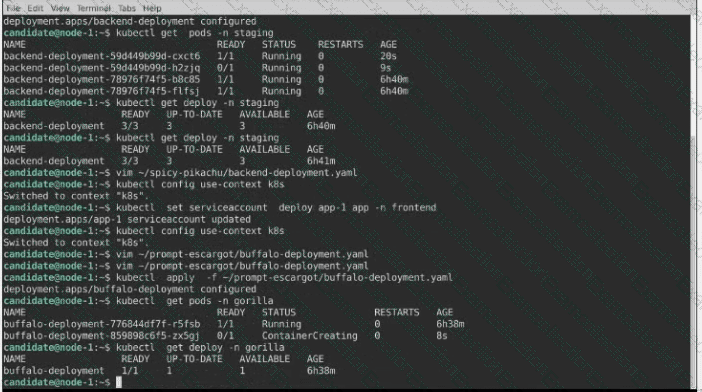
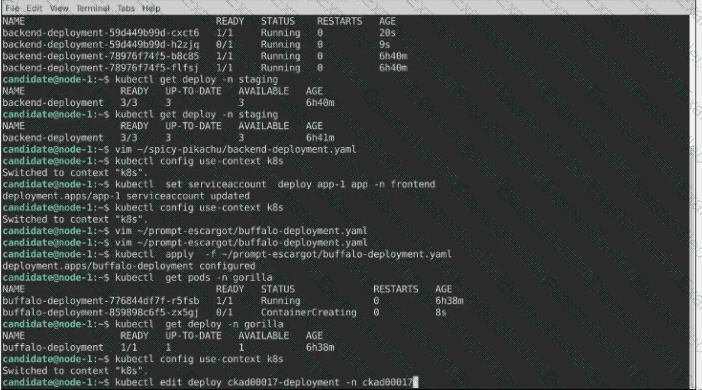
A pod within the Deployment named buffale-deployment and in namespace gorilla is logging errors.
1) Look at the logs identify errors messages.
Find errors, including User “system:serviceaccount:gorilla:default†cannot list resource “deployment†[…] in the namespace “gorillaâ€
2) Update the Deployment buffalo-deployment to resolve the errors in the logs of the Pod.
The buffalo-deployment ‘S manifest can be found at -/prompt/escargot/buffalo-deployment.yaml
You must connect to the correct host . Failure to do so may result in a zero score.
[candidate@base] $ ssh ckad00033
Task
A Dockerfile has been prepared at /home/candidate/build/Dockerfile.
Using the prepared Dockerfile, build a container image with the name macaque and tag 1.2. You may install and use the tool of your choice.
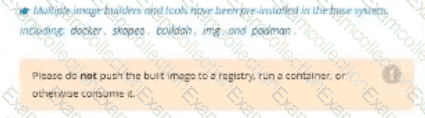
Multiple image builders and tools have been pre-installed in the base system,
including: docker, skopeo, buildah, img , and podman.
Please do not push the built image to a registry, run a container, or otherwise consume it.
Using the tool of your choice, export the built container image in OCI or Docker image format and store it at /home/candidate/macaque-1.2.tar.
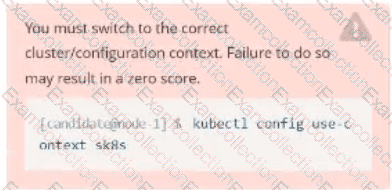
Task
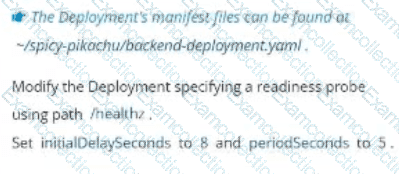
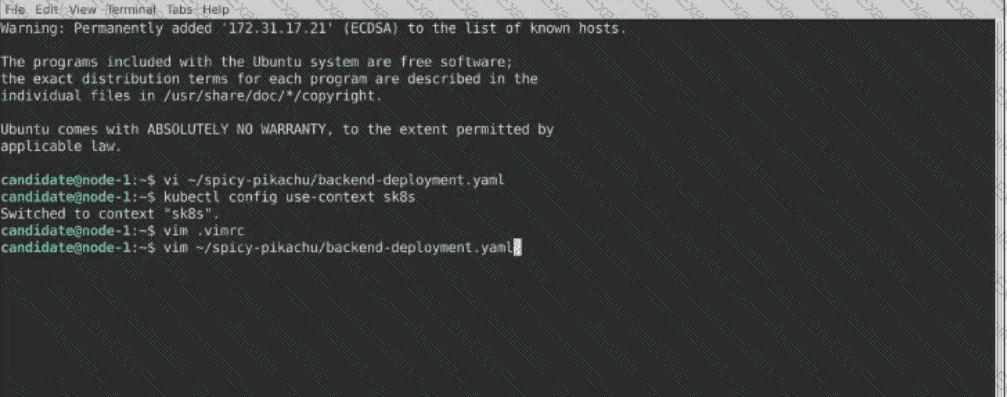
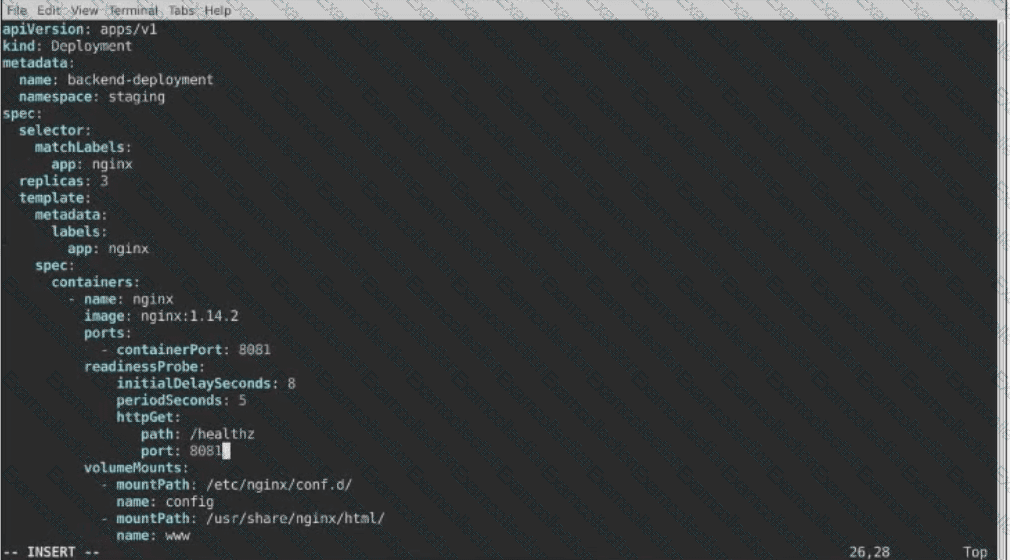
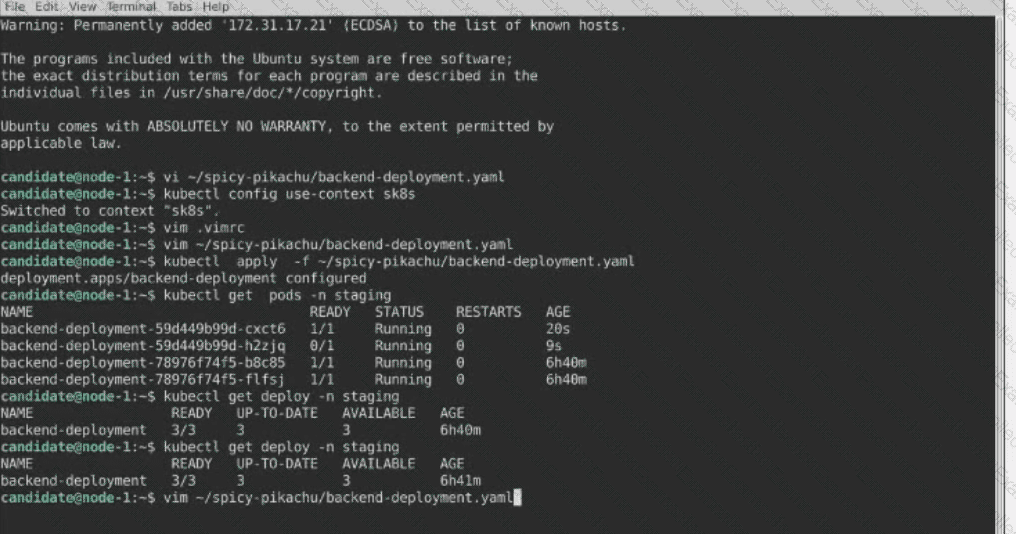
A Deployment named backend-deployment in namespace staging runs a web application on port 8081.