Linux Foundation CKS - Certified Kubernetes Security Specialist (CKS)
Documentation Deployments, Pods, bom Command Help bom-help
You must connect to the correct host. Failure to do so may result in a zero score.
[candidate@base] $ ssh cks000035
Task
The alpine Deployment in the alpine namespace has three containers that run different versions of the alpine image.
First, find out which version of the alpine image contains the libcrypto3 package at version 3.1.4-r5.
Next, use the pre-installed bom tool to create an SPDX document for the identified image version at /home/candidate/alpine.spdx.
You can find the bom tool documentation at bom.
Finally, update the alpine Deployment and remove the container that uses the idenfied image version.
The Deployment's manifest file can be found at /home/candidate/alpine-deployment.yaml.
Do not modify any other containers of the Deployment.
Task
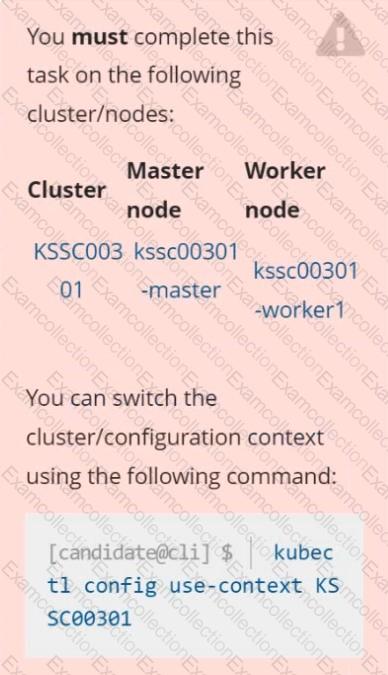
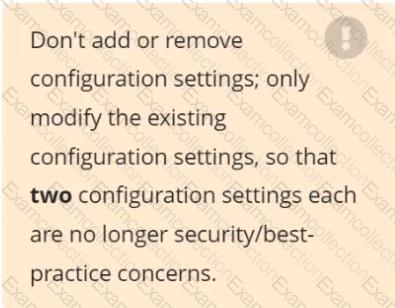
Analyze and edit the given Dockerfile /home/candidate/KSSC00301/Docker file (based on the ubuntu:16.04 image), fixing two instructions present in the file that are prominent security/best-practice issues.
Analyze and edit the given manifest file /home/candidate/KSSC00301/deployment.yaml, fixing two fields present in the file that are prominent security/best-practice issues.
You must connect to the correct host . Failure to do so may
result in a zero score.
[candidato@base] $ ssh cks000023
Task
Analyze and edit the Dockerfile located at /home/candidate/subtle-bee/build/Dockerfile, fixing one instruction present in the file that is a prominent security/best-practice issue.
Do not add or remove instructions; only modify the one existing instruction with a security/best-practice concern.
Do not build the Dockerfile, Failure to do so may result in running out of storage and a zero score.
Analyze and edit the given manifest file /home/candidate/subtle-bee/deployment.yaml, fixing one fields present in the file that are a prominent security/best-practice issue.
Do not add or remove fields; only modify the one existing field with a security/best-practice concern.
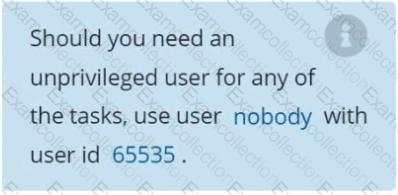
Should you need an unprivileged user for any of the tasks, use user nobody with user ID 65535.
Documentation Namespace, NetworkPolicy, Pod
You must connect to the correct host . Failure to do so may result in a zero score.
[candidate@base] $ ssh cks000031
Context
You must implement NetworkPolicies controlling the traffic flow of existing Deployments across namespaces.
Task
First, create a NetworkPolicy named deny-policy in the prod namespace to block all ingress traffic.
The prod namespace is labeled env:prod
Next, create a NetworkPolicy named allow-from-prod in the data namespace to allow ingress traffic only from Pods in the prod namespace.
Use the label of the prod names & Click to copy traffic.
The data namespace is labeled env:data
Do not modify or delete any namespaces or Pods . Only create the required NetworkPolicies.
Context
For testing purposes, the kubeadm provisioned cluster 's API server
was configured to allow unauthenticated and unauthorized access.
Task
First, secure the cluster 's API server configuring it as follows:
. Forbid anonymous authentication
. Use authorization mode Node,RBAC
. Use admission controller NodeRestriction
The cluster uses the Docker Engine as its container runtime . If needed, use the docker command to troubleshoot running containers.
kubectl is configured to use unauthenticated and unauthorized access. You do not have to change it, but be aware that kubectl will stop working once you have secured the cluster .
You can use the cluster 's original kubectl configuration file located at etc/kubernetes/admin.conf to access the secured cluster.
Next, to clean up, remove the ClusterRoleBinding
system:anonymous.
You can switch the cluster/configuration context using the following command:
[desk@cli] $Â kubectl config use-context devÂ
A default-deny NetworkPolicy avoid to accidentally expose a Pod in a namespace that doesn't have any other NetworkPolicy defined.
Task: Create a new default-deny NetworkPolicy named deny-network in the namespace test for all traffic of type Ingress + Egress
The new NetworkPolicy must deny all Ingress + Egress traffic in the namespace test.
Apply the newly created default-deny NetworkPolicy to all Pods running in namespace test.
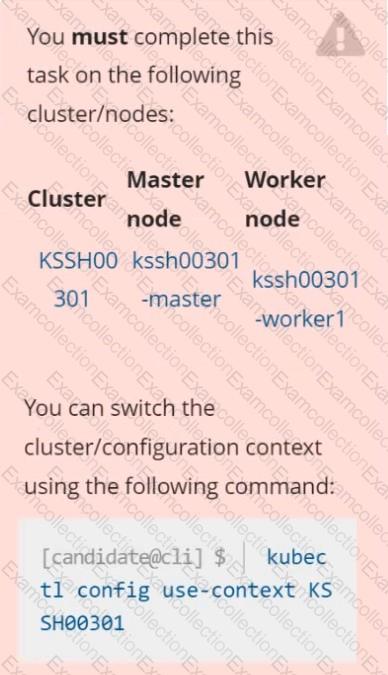
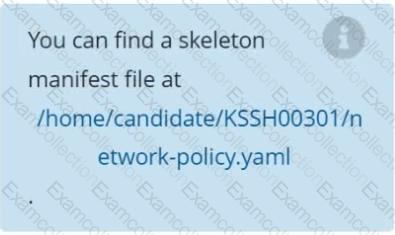
You can find a skeleton manifests file at /home/cert_masters/network-policy.yaml
Task
Create a NetworkPolicy named pod-access to restrict access to Pod users-service running in namespace dev-team.
Only allow the following Pods to connect to Pod users-service:
 Pods in the namespace qa
 Pods with label environment: testing, in any namespace

Create a Pod name Nginx-pod inside the namespace testing, Create a service for the Nginx-pod named nginx-svc, using the ingress of your choice, run the ingress on tls, secure port.
Documentation Upgrading kubeadm clusters
You must connect to the correct host . Failure to do so may result in a zero score.
[candidate@base] $ ssh cks000034
Context
The kubeadm provisioned cluster was recently upgraded, leaving one node on a slightly older version due to workload compatibility concerns.
Task
Upgrade the cluster node compute-0 to match the version of the control plane node.
Use a command like the following to connect to the compute node:
[candidate@cks000034] $ ssh compute-0
Do not modify any running workloads in the cluster.
Do not forget to exit from the compute node once you have completed your tasks:
[candidate@icompute-e] $ exit
A container image scanner is set up on the cluster.
Given an incomplete configuration in the directory
/etc/kubernetes/confcontrol and a functional container image scanner with HTTPS endpoint https://test-server.local.8081/image_policy
1. Enable the admission plugin.
2. Validate the control configuration and change it to implicit deny.
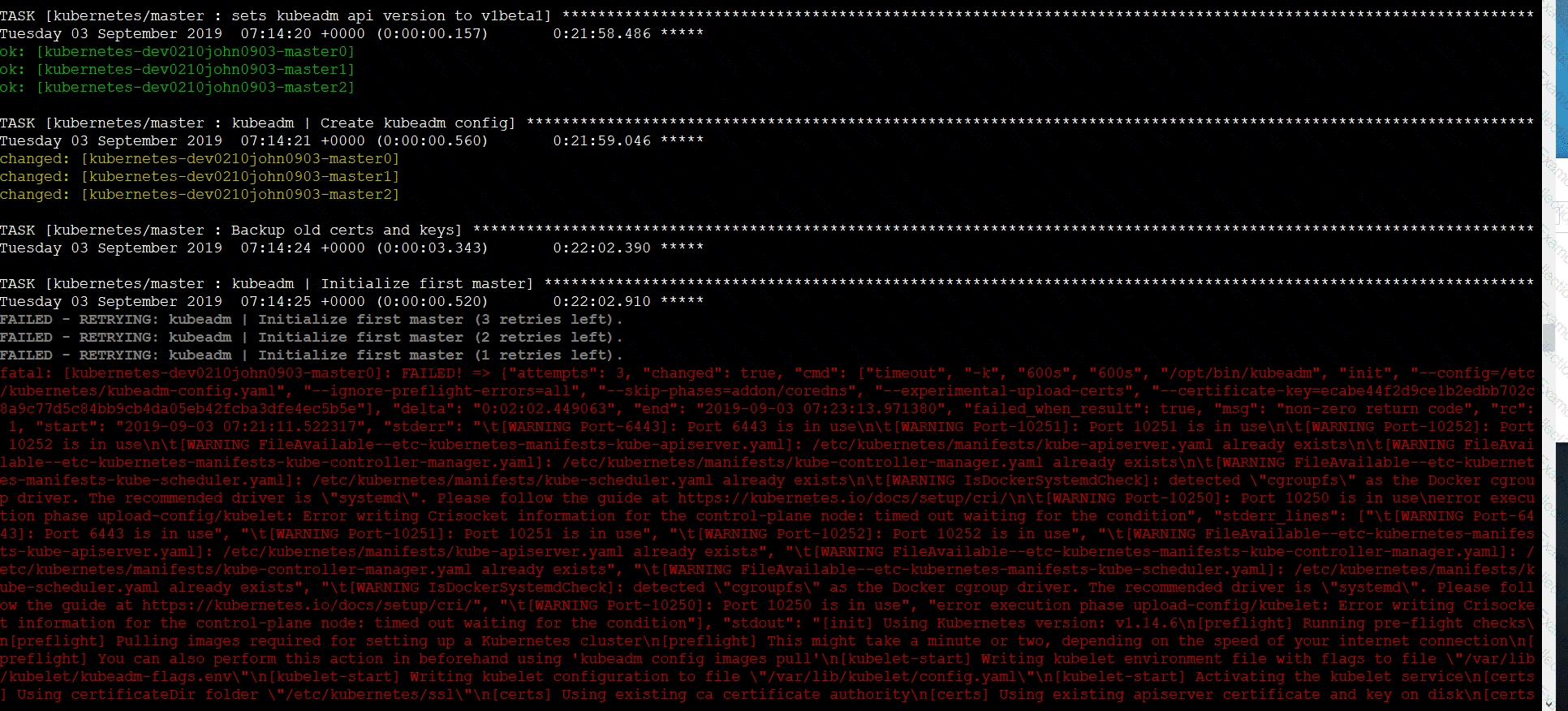
Finally, test the configuration by deploying the pod having the image tag as latest.