

Microsoft MD-102 - Managing and Securing Microsoft 365 Endpoints by using Intune
You need to meet the device management requirements for the developers.
What should you implement?
What should you use to meet the technical requirements for Azure DevOps?
What should you upgrade before you can configure the environment to support co-management?
What should you configure to meet the technical requirements for the Azure AD-joined computers?
You need to meet the technical requirements for Windows AutoPilot.
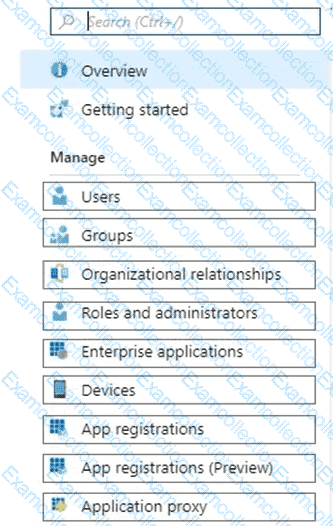
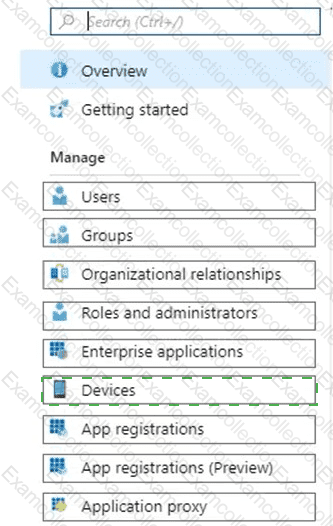
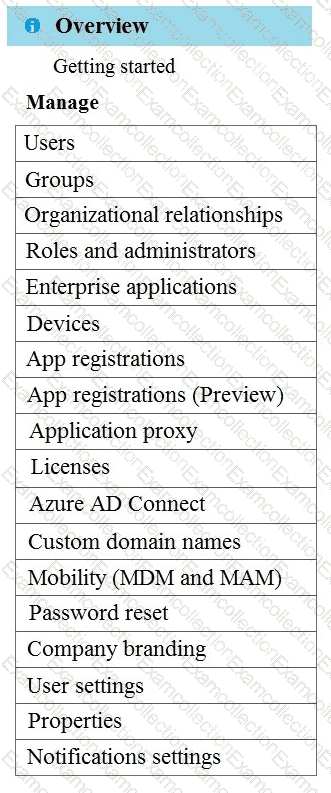
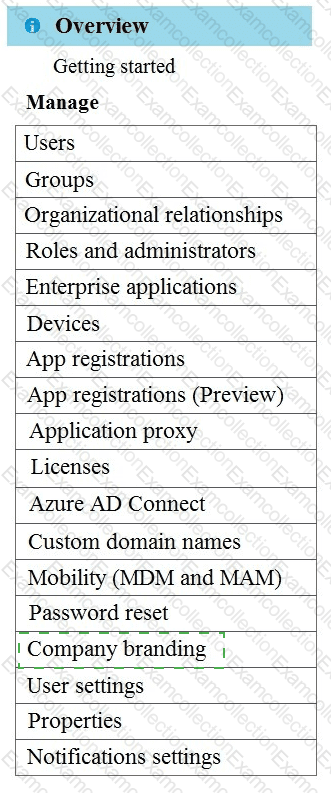
Which two settings should you configure from the Azure Active Directory blade? To answer, select the appropriate settings in the answer area.
NOTE: Each correct selection is worth one point.
You need to capture the required information for the sales department computers to meet the technical
requirements.
Which Windows PowerShell command should you run first?
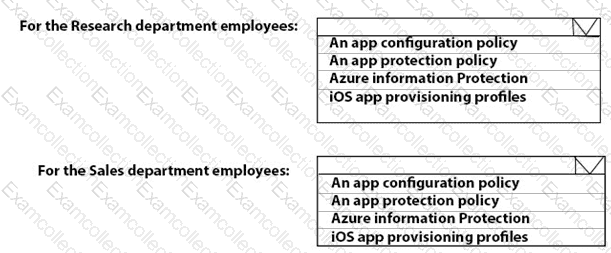
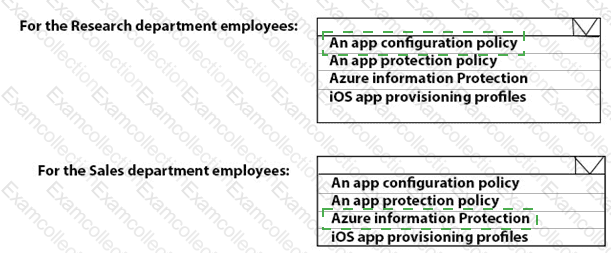
You need to recommend a solution to meet the device management requirements.
What should you include in the recommendation? To answer, select the appropriate options in the answer area.
NOTE: Each correct selection is worth one point.
You need to meet the OOBE requirements for Windows AutoPilot.
Which two settings should you configure from the Azure Active Directory blade? To answer, select the appropriate settings in the answer area.
NOTE: Each correct selection is worth one point.
You implement the planned changes for Connection1 and Connection2
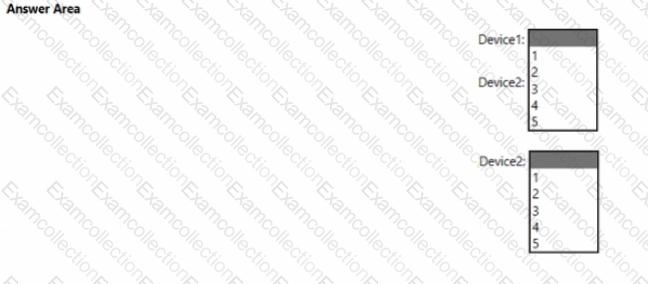
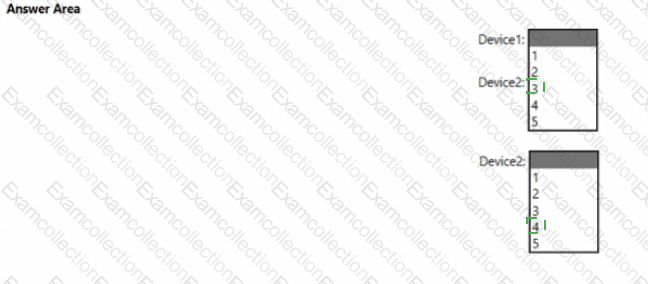
How many VPN connections will there be for User1 when the user signs in to Device 1 and Devke2? To answer select the appropriate options in the answer area.
NOTE; Each correct selection is worth one point.
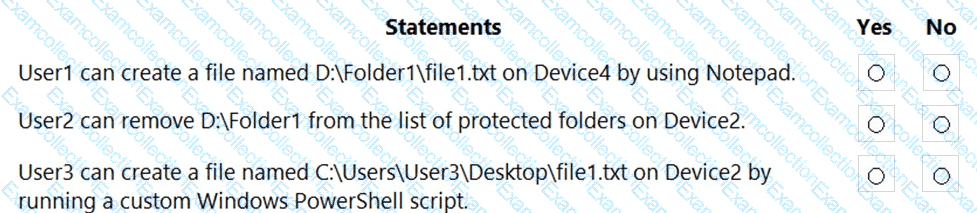
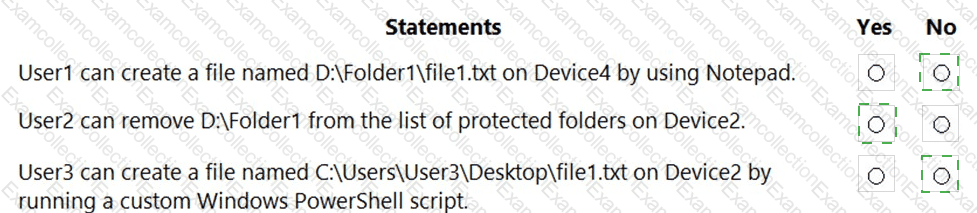
For each of the following statements, select Yes if the statement is true. Otherwise, select No.
NOTE: Each correct selection is worth one point.